Beginner-Friendly Crypto Exchanges With Simple Interfaces Ranked

 Prefer us on Google

The beginner-friendly crypto exchanges with the simplest interfaces in November 2026 are Coinbase, Kraken, Binance, WEEX, OKX and Bybit, in that order for a first-time buyer, but only if you judge "simple" by what happens after sign-up rather than how the homepage looks. Coinbase and Kraken hide trading complexity best. Binance and WEEX offer a clean first order with a deeper toolset one tap away. OKX and Bybit suit beginners who expect to move into derivatives soon. This ranking explains the test behind that order, what each interface gets right and wrong, and the mistakes simple screens can still let you make.
How We Judged a "Simple" Crypto Exchange Interface
Every major exchange now has a modern design. The difference shows up in four moments a new user cannot skip:
- Getting to a first purchase. How many screens stand between a verified account and owning a coin?
- Placing the order. Does the buy screen default to a plain amount field, or to a full order book with limit, market and trigger tabs?
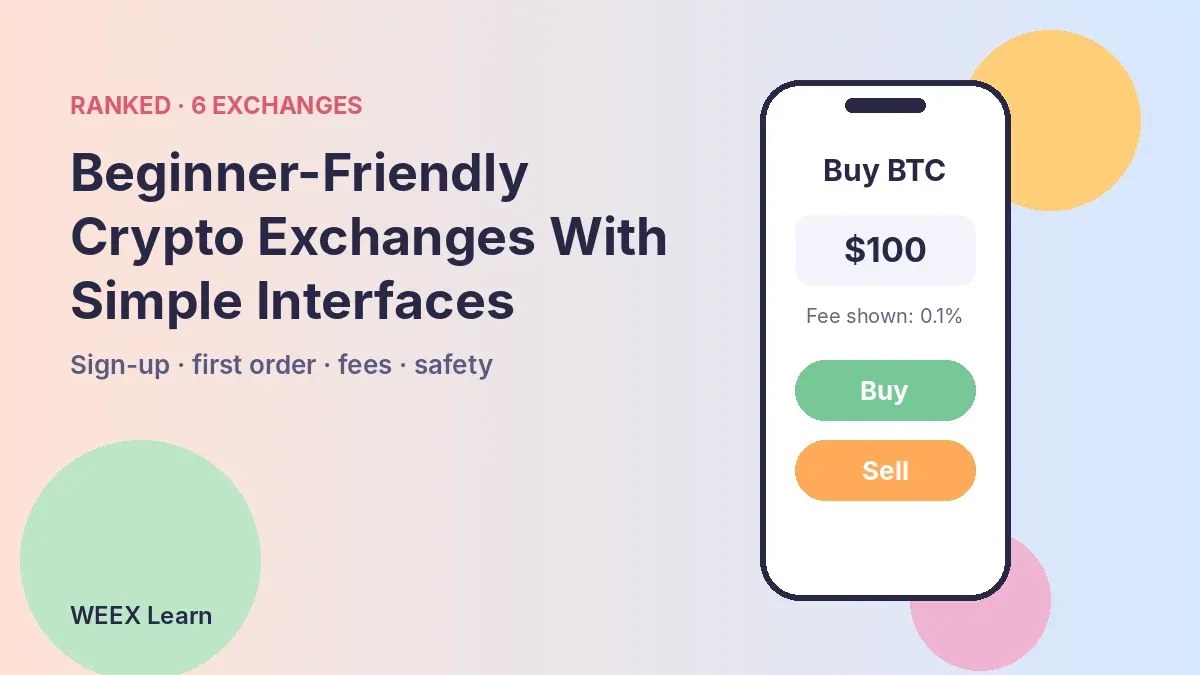
- Seeing the cost. Is the fee shown before you confirm, in your currency or in plain percentages?
- Avoiding accidents. How hard is it to wander into leverage, futures or margin without meaning to?
An exchange that passes the first test but fails the last is not beginner-friendly. It is beginner-friendly until someone opens a 20x position by mistake.
Top Beginner-Friendly Crypto Exchanges Ranked
1. Coinbase. The standard app is built around buying, selling and holding, with the order book moved to a separate Advanced view. That separation is the main reason it ranks first. The trade-off is cost: the simple buy flow is typically more expensive than placing the same order in Advanced, so beginners who stay in simple mode pay for the convenience.
2. Kraken. Kraken splits its product the same way, with a straightforward app for buying and Kraken Pro for full trading. The simple side is clean and the brand has a long security record. Asset selection is narrower than on the largest global venues.
3. Binance. Binance's app offers a lighter mode for basic buying and a full mode for everything else. Market depth and coin choice are the strongest in this list. The cost of that breadth is clutter: even in a lighter view, products like Earn, futures and launch campaigns are close at hand, and availability varies sharply by country.
4. WEEX. WEEX keeps the spot order panel compact: limit or market, an amount field, a total in USDT and an estimated fee before you submit. Minimum order sizes are printed on the form, for example 0.4 SUI on the SUI/USDT pair, which saves the "order too small" error new users often hit. Spot trading costs 0.1% for both makers and takers at the base tier, per the WEEX fee schedule. The caution is the same as at Binance: futures sit one tab away from spot, so beginners need to be deliberate about which market they are in.
5. OKX. OKX packs spot, derivatives, a Web3 wallet and earn products into one app. It is well organized for what it holds, but the volume of features makes the first session busier than at the top four.
6. Bybit. Bybit's interface grew out of derivatives, and it shows. Spot buying is straightforward, but the app assumes you will want perpetuals and trading tools soon. That makes it a good second exchange rather than a first one.
What Beginners Get Wrong on Simple Exchange Interfaces
A simpler screen reduces mistakes; it does not remove them. These are the ones that cost new users most often:
- Using market orders for everything. A market order fills immediately at whatever price is available. On busy or thin pairs, that can be noticeably worse than the price shown a second earlier.
- Ignoring the fee line. Even at 0.1%, a habit of buying and selling small amounts several times a week adds up. Simplified buy buttons on some apps add a spread on top.
- Confusing spot and futures. On exchanges where both live in one app, the futures tab can look almost identical to spot. Futures use leverage and can be liquidated; spot cannot.
- Skipping security setup. Two-factor authentication, an anti-phishing code and a withdrawal address whitelist take minutes and prevent most account takeovers.
- Sending to the wrong network. Depositing a token over a network the exchange does not support for that coin can lose the funds. Always match the network shown on the deposit page.
The more important point is that interface design only addresses the first two. The last three depend on habits.
-- Price
Picking the Right Beginner Exchange for You
There is no single best choice, because beginners want different things:
- "I only want to buy and hold a few major coins." Coinbase or Kraken. Accept the higher simple-mode cost, or learn their advanced view once you are comfortable.
- "I want low fees and a wide coin list from day one." Binance or WEEX, both of which keep base spot fees at 0.1%. Stay on the spot tab until you understand leverage.
- "I expect to try copy trading or futures." WEEX, OKX or Bybit. WEEX rebuilt its copy trading onboarding in August 2026 around a two-step flow for first-time followers; our guide to user-friendly copy trading platforms compares that experience across six exchanges.
Whichever you choose, check that the exchange publishes reserve data and has a clear withdrawal process before you deposit a meaningful amount. WEEX lets users verify its holdings on its proof of reserves page.
The best beginner-friendly crypto exchange is the one where you can buy, see what you paid and withdraw without guessing. Simple interfaces get you there faster; good habits keep you there.
FAQ
1. What is the easiest crypto exchange for a complete beginner?
Coinbase and Kraken are the easiest for a first purchase because their basic apps separate buying from advanced trading. Expect to pay more in simple mode than in their advanced views.
2. Are beginner-friendly exchanges more expensive?
Often, yes, when you use a one-tap buy button that includes a spread. Placing the same order through a standard spot order panel is usually cheaper; base spot fees on Binance and WEEX are 0.1%.
3. Should beginners use futures on a simple exchange?
Not at first. Futures use leverage and can be liquidated. Learn spot trading, order types and fees before opening any leveraged position.
4. How do I keep my account safe on a new exchange?
Turn on two-factor authentication, set an anti-phishing code, whitelist withdrawal addresses and double-check the deposit network for every transfer.
This content is provided for general informational purposes only and doesn't constitute financial, investment, legal, or tax advice. Any events, rewards, online promotions, or related information mentioned herein should not be considered a recommendation, solicitation, or invitation to purchase, sell, trade, or otherwise deal in any crypto assets. Crypto assets are highly volatile and may result in loss. The availability of WEEX services, products, and related events may vary by region. You are responsible for ensuring that your participation is in accordance with applicable local laws and regulations.
You may also like
Emerging Copy Trading Exchanges for Futures: 5 Retail Favorites
Copy Trading With No Extra Fees: Which Exchanges Really Qualify?

Low-Fee Futures Exchanges That Are Easy to Use: 2026 Cost Test

Is WEEX Safe? Proof of Reserves, 1,000 BTC Fund and Licences Checked (2026)

Bitcoin After Hot CPI: Why December Rate Hike Odds Hit 85%

What Is GRAM? Price Rebounds After Falling Below $1, Telegram Wallet Data and What Is Confirmed

Why Is My WEEX Crypto Withdrawal Still Pending?
PROJECT CORTEX (XTX) Price: Why a 15.8M% Gain and a $6 Billion Market Cap Are Hard to Trust

Copy Trading Platforms With Verified Performance: Spot the Fakes

Top 10 Crypto Derivatives Exchanges Worldwide by Open Interest
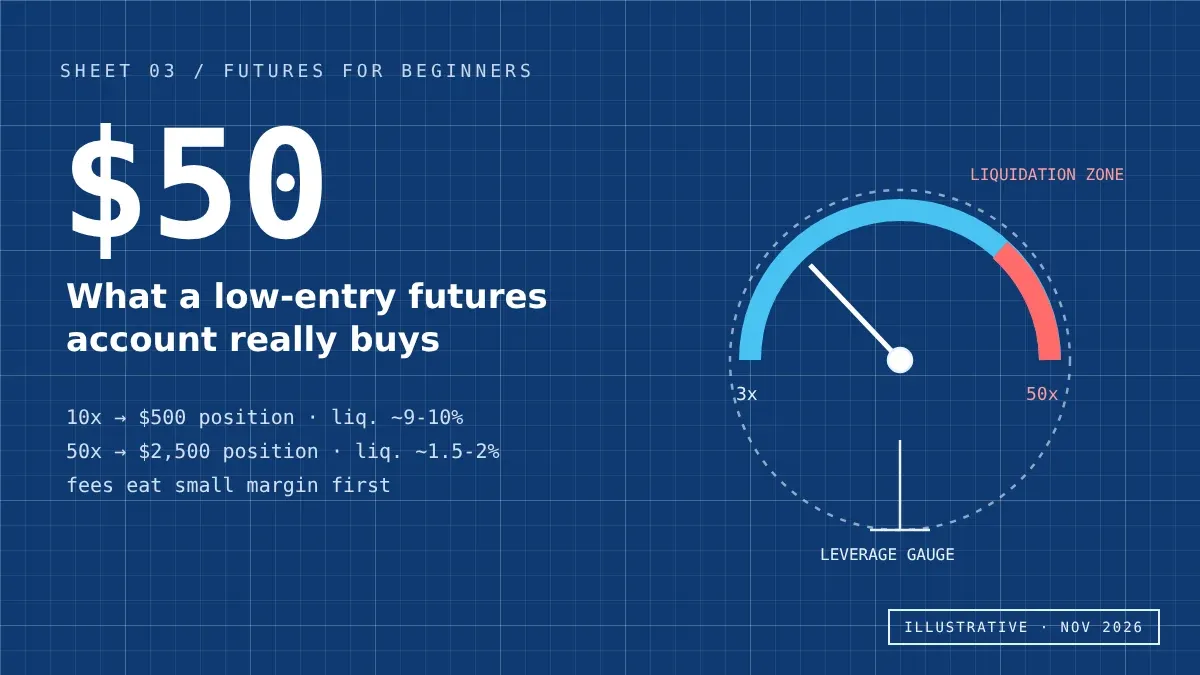
Beginner Futures Exchanges With Low Entry: What $50 Really Buys
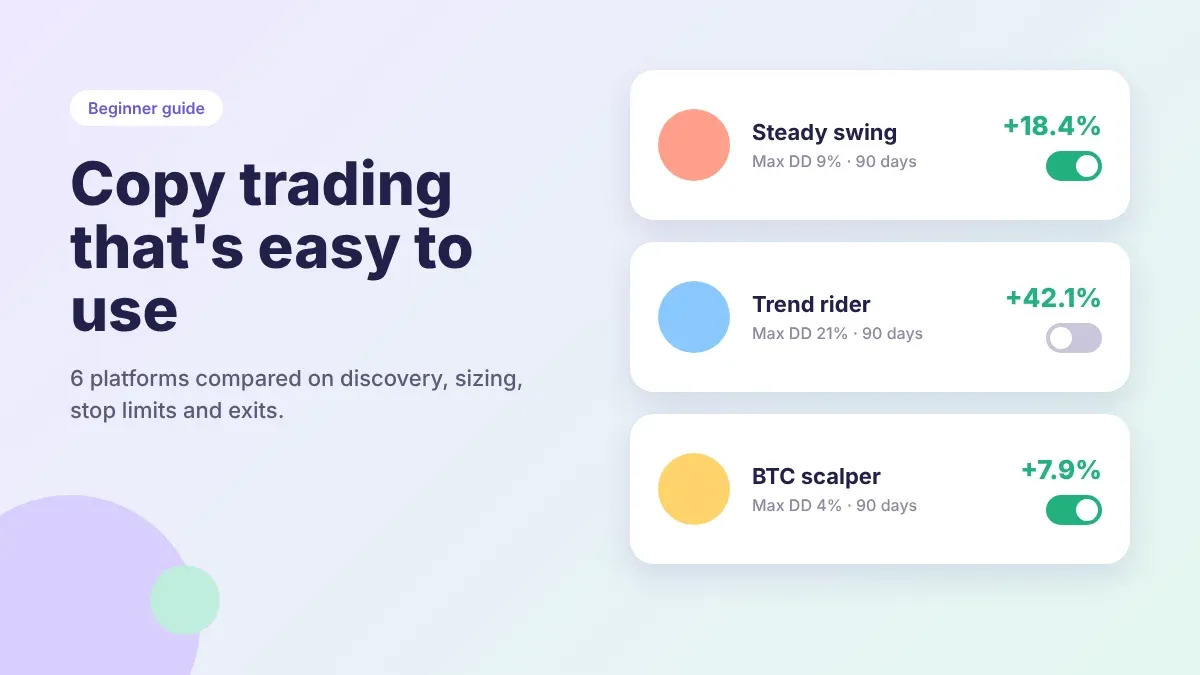
User-Friendly Crypto Copy Trading Platforms: 6 Picks Compared

WEEX Review: The Latest Fees, Features, Security and Trading Experience

Midterm Elections Crypto Fallout: $170M Spent, Key Races Lost

FreeBitco.in Shutdown: Frozen Withdrawals and What Users Can Do

Why Is Bitcoin Down Today? BTC's Slide to $76K Explained

BTC Price Above $78,000 After the Midterms: What Is Confirmed, What Moved and What to Check Next

Crypto Trading Rewards: What Each Lucky Egg Really Costs in Fees
WEEX Rewards Guide: Lucky Eggs Tasks, Prizes and a 22-Day Plan

Binance Incident Report: How the Attack Chain Worked and What to Check

FOMC Meeting December 2026: Date, Schedule and What to Know Before the Rate Decision

Can You Stake Bitcoin? How BTC Staking Works and What It Pays

NEAR Protocol HSP-029 Vote: Can a 36% Issuance Cut Affect NEAR Price?
Bitcoin Futures ETF Explained: How It Works, How It Differs From a Spot Bitcoin ETF and Where the Risks Are

Bitcoin and the US Midterms: A Trader's Checklist for Nov. 3-11

Crypto Liquidation Cascade: What the $1.57B Oct. 30 Flush Taught

Dutch 36% Crypto Tax: Why Wallets Get Taxed Differently From ETFs

Binance Proof of Reserves: What the Nov. 3 ZK Report Can Prove

MSCI vs Strategy: What the Nov. 11 Index Decision Means for BTC

Binance Hack Explained: What Is Confirmed, What Is Disputed and What Users Should Do Now
Emerging Copy Trading Exchanges for Futures: 5 Retail Favorites
Copy Trading With No Extra Fees: Which Exchanges Really Qualify?
Low-Fee Futures Exchanges That Are Easy to Use: 2026 Cost Test
Is WEEX Safe? Proof of Reserves, 1,000 BTC Fund and Licences Checked (2026)
Bitcoin After Hot CPI: Why December Rate Hike Odds Hit 85%
What Is GRAM? Price Rebounds After Falling Below $1, Telegram Wallet Data and What Is Confirmed
Contents
Popular coins
Latest articles